
FLUX 3 Image to Video: Animate a Still with Native Audio

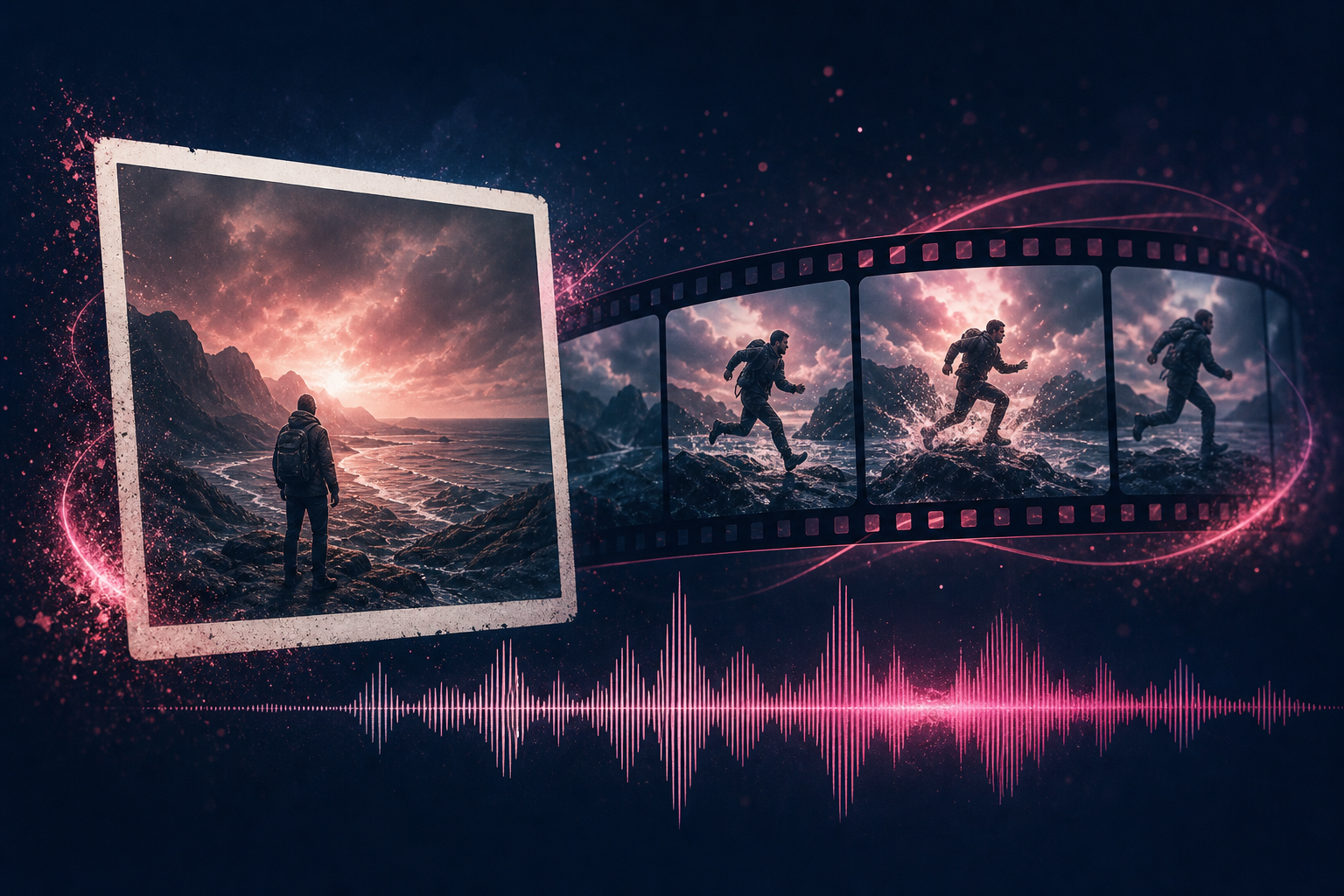
Still photograph concept transitioning into a short motion clip with sound
Image-to-video is the path most product and film workflows actually use. You lock a still first, then ask for motion. FLUX 3 adds native audio to that pass, so the clip is not silent by default.
Note: FLUX 3 image-to-video is live on TheFluxTrain. Use a start still on Video from Image, or start plus end on Image Interpolation.
Quick answer: FLUX 3 can animate a starting frame or pin start and end frames, with native audio up to 20 seconds in one pass. On TheFluxTrain that is from image and interpolation. References can help carry a character when you chain clips.
Related: text-to-video · video with audio · full release guide
How does FLUX 3 image-to-video work?
BFL describes two related uses for images:
- Start frame animation: the still becomes the first moment of the clip
- Visual reference: images guide look, character, or style without being a literal first frame
In both cases, FLUX 3 Video can generate sound with the motion. That helps when a character speaks or when a physical event needs a matching impact.
Image-to-video does not remove the need for a clear motion brief. A pretty still with a vague prompt still drifts.
What makes a good start frame?
Before you spend a generation, check the still:
- Pose clarity: hands and face readable
- Edge clarity: subject separated from background where it matters
- Implied action: do not board a mid-swing pose if you want a quiet hold
- Composition room: leave space for the camera move you will ask for
- Text in frame: if typography matters, wait for solid text rendering results on stills first
Example motion brief
4 seconds. Start from this frame. Camera static. Subject blinks and turns head slightly left. Background frozen. Soft room tone only. No new objects.
When should you use references instead of a start frame?
Use a start frame when the first moment must match a storyboard or product shot.
Use references when you want identity or style carried into a new scene, or when chaining clips for a longer sequence. BFL says visual references can help keep characters consistent across separate scenes. That is the announced intent. Multi-minute consistency still depends on clip chaining and careful reference management.
How does this compare with plain text-to-video?
| Job | Prefer |
|---|---|
| Explore a new scene from words | Text-to-video |
| Protect composition already approved | Image-to-video |
| Restyle an existing clip | Video-to-video |
| Extend a take | Continuation (see length guide) |
What are the limits?
- One pass tops out at 20 seconds
- Character consistency across many shots is not automatic
- Image synthesis and editing for making better stills is not on TheFluxTrain yet
- Image-to-video on TheFluxTrain uses one start still. Start plus end is interpolation, not extra reference images
How do you run this on TheFluxTrain?
- Open Video from Image and pick FLUX 3 Image or FLUX 3 Image Draft.
- Upload a start frame, set duration and resolution, prompt the motion.
- For a locked last frame, use Image Interpolation with FLUX 3 First–Last or FLUX 3 Keyframes.
- Enhance a draft from the gallery when you like the motion.
Frequently asked questions
Does FLUX 3 support image-to-video?
Yes. It can animate a starting frame or use images as visual references.
Does image-to-video include audio?
BFL says FLUX 3 Video generates native audio with its video output.
Can references keep a character consistent?
BFL describes reference-driven consistency across chained scenes. Expect to manage references carefully. Do not assume unlimited runtime identity lock.
How long can an image-to-video clip be?
Up to 20 seconds per generation. See FLUX 3 video length.
Is FLUX 3 image-to-video available on TheFluxTrain?
Yes. Video from Image or Image Interpolation.
Should I generate the still with FLUX 3 Image first?
That is a natural pipeline once image early access opens. Until then, use any still you already trust. See FLUX 3 image generation.
What if motion looks wrong?
Common fixes: shorten duration, freeze the background, reduce implied action in the still, and rewrite the motion brief. The same failure modes show up across image-to-video tools.