
FLUX 3 Video to Video: Restyle, Recontext, and Continue Clips

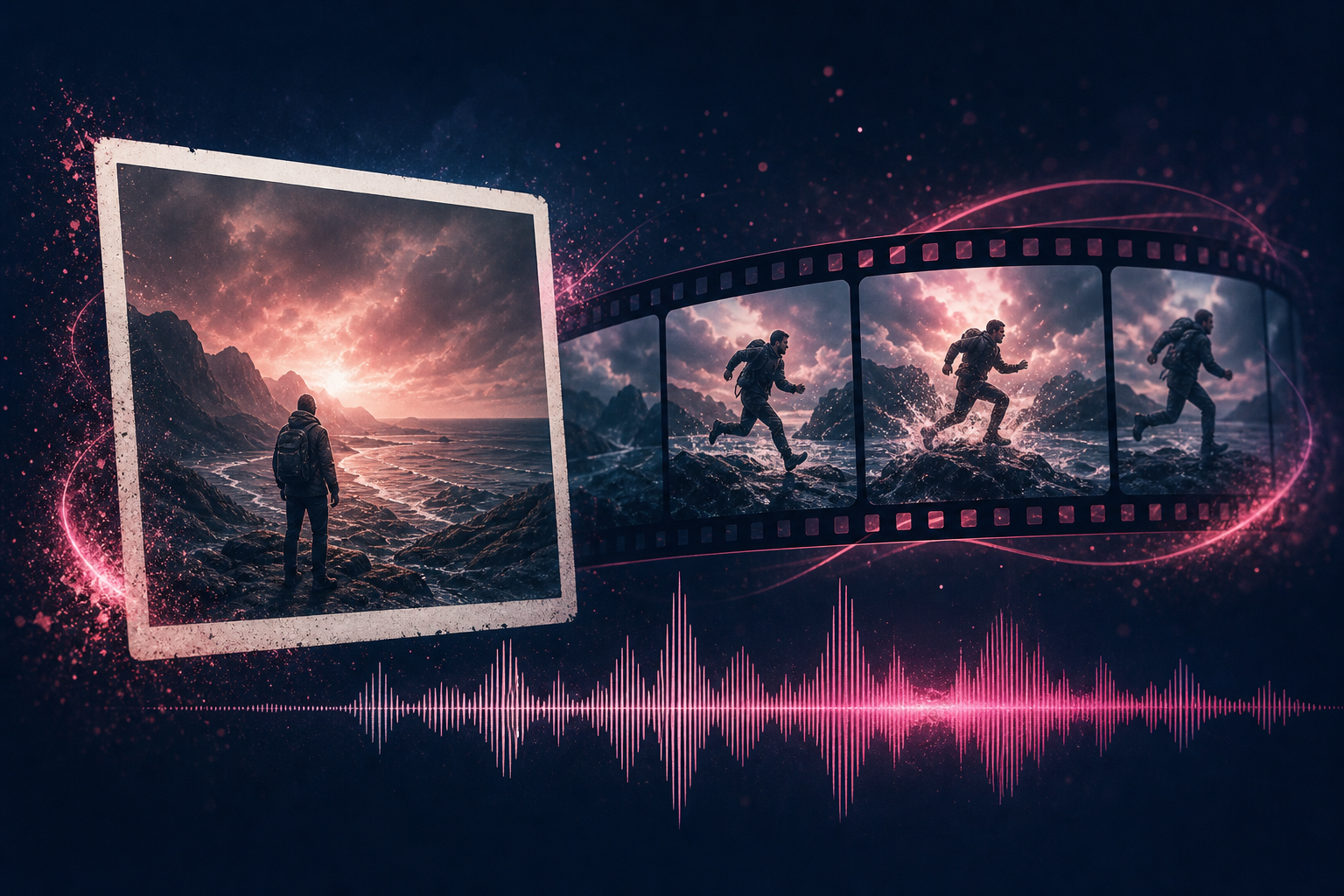
Two film-strip concepts suggesting a source clip restyled into a new scene
Video-to-video is for when you already have motion you trust. You keep the performance or camera idea and ask for a new look, setting, or continuation. FLUX 3 lists video-to-video, continuation from existing video and audio, and keyframe-controlled transitions as part of the early video toolkit.
Note: On TheFluxTrain you can extend a clip and interpolate start/end or keyframes. BFL also announced a broader restyle video-to-video mode.
Quick answer: FLUX 3 can continue from existing video, or fill motion between start and end frames. Native audio stays in the picture. On TheFluxTrain that is extend plus interpolation. Broad editing APIs and private weights are still a BFL plan.
Pillar guide: FLUX 3 image, video, editing, and release status.
What can video-to-video do in FLUX 3?
From BFL's announcement, treat these as related video control modes:
- Video-to-video: change context or style while preserving a central subject
- Continuation: extend from existing video and audio
- Keyframe transitions: define moments and ask the model for movement between them
- References: carry elements from a source into a new scene
This is generative control over clips. It is not a full NLE timeline editor.
When is video-to-video the right tool?
Use it when:
- You like the acting or camera path in a rough clip but hate the location
- You need a style pass on an approved take
- You want to extend a take past the first generation without starting from text alone
Prefer image-to-video when you only have stills. Prefer text-to-video when you are exploring from scratch.
How do keyframes fit in?
Keyframes give you control over transitions. You mark important visual moments and ask the model to fill the motion between them. That helps for title cards, map moves, or staged product reveals where the endpoints matter more than the middle.
Until you try the UI, assume keyframe workflows need clear endpoint images and a duration inside the 20-second limit. On TheFluxTrain, start and end stills live on Image Interpolation.
Is FLUX 3 a video editor?
Parts of the design fit editing tasks: restyle, continue, reference carry-over, planned API editing access. A generally available, fully specified editing product is not here yet. The careful answer lives in the pillar post under Is FLUX 3 an AI image and video editor?.
What should you prepare as a source clip?
- Clean subject separation when you plan a location swap
- Audio you are willing to replace or continue (continuation can use existing audio)
- A written change brief: what must stay vs what may change
- Shot length that leaves room inside 20 seconds for the new pass
Example change brief
Keep the woman walking left to right and the camera pan. Change the street to a rainy night market in Taipei. Keep footsteps. Replace dialogue with Mandarin asking for directions. 6 seconds.
Limits to expect
- One pass still tops out at 20 seconds
- Extend source clips on TheFluxTrain must be under 15 seconds
- Long projects still need clip chaining
- Use Extend Video for continuation; interpolation for start/end frames
Frequently asked questions
Does FLUX 3 support video-to-video?
Yes, as an announced FLUX 3 Video capability.
Can FLUX 3 continue an existing clip?
BFL lists continuation from existing video and audio.
Can it edit audio as well as video?
Video and audio generation and editing are planned through APIs and private-weight access. Broad access is not available yet.
How is this different from image-to-video?
Image-to-video starts from stills. Video-to-video starts from motion you already have.
Does video-to-video keep native audio?
FLUX 3 Video is built around native audio. Exact behavior when continuing or replacing sound will need hands-on confirmation.
Is FLUX 3 video-to-video on TheFluxTrain?
Extend and interpolation are live. A separate restyle-only page is not.
Will there be open weights for editing?
FLUX 3 Dev is announced as a future open-weight release with no date. License and hardware needs are unpublished.
Where should I start if I am new to FLUX 3?
Start with the release overview, then this page for clip-based workflows.