
How to Create a Thumbnail from a Video Frame

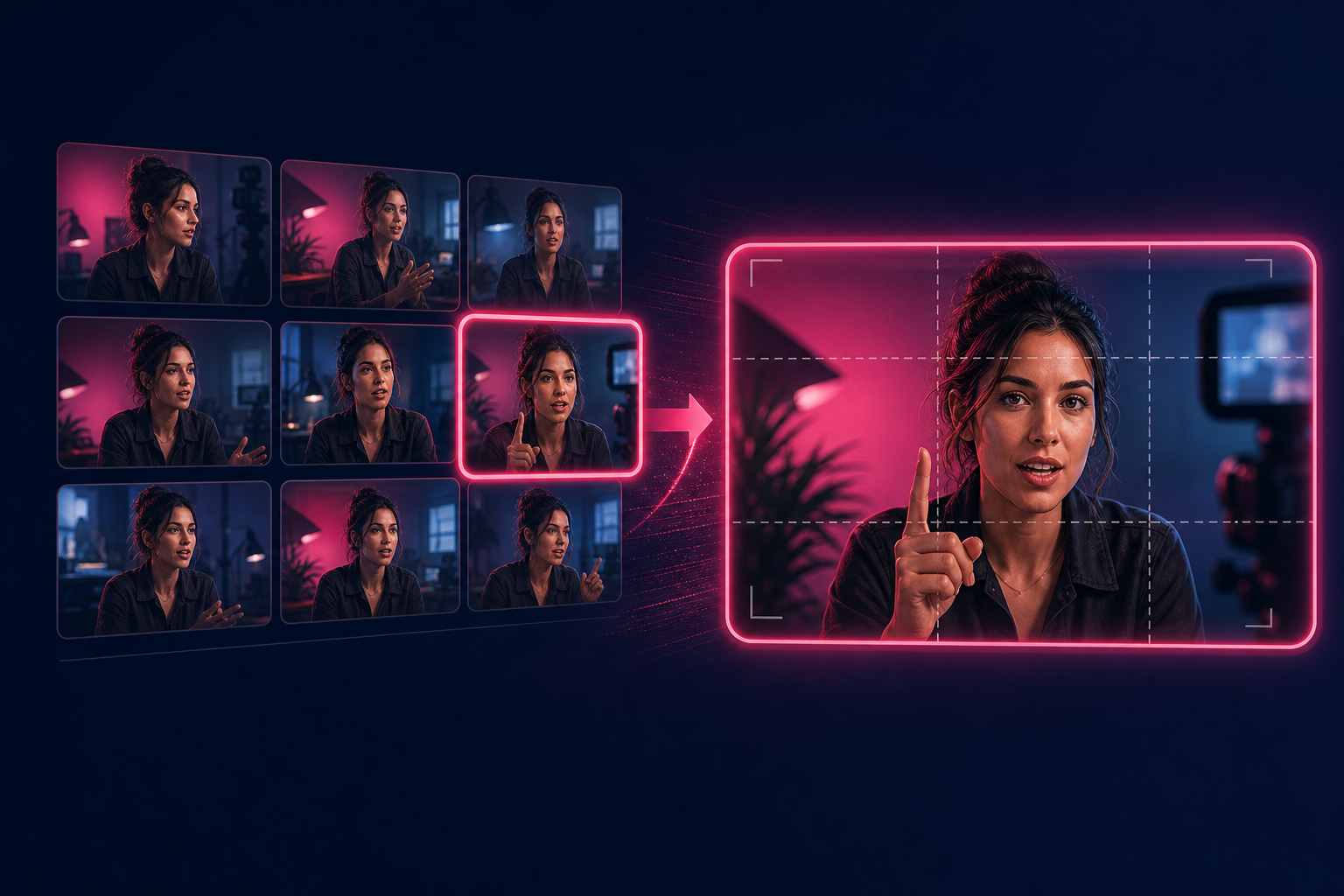
Grid of candidate video frames with one still selected as the thumbnail
Guessing one timestamp for a thumbnail wastes time. The better habit is to sample candidates across the clip, then pick the frame that still looks good when it is tiny.
Quick answer: Use the Video Frame Extractor thumbnail finder to generate 12–30 evenly spaced frames, compare them in a grid, optionally preview a 16:9 crop, and download the strongest still. Keep processing in the browser when privacy matters.
Try it free: Thumbnail finder on the Video Frame Extractor.
Why does a candidate grid beat one scrub?
A single scrub stops where your hand stops. A grid shows pacing and expression changes you would otherwise skip. For Shorts and YouTube, I care more about which face or product reads at phone size than which frame is “technically” mid-scene.
How do you make a thumbnail from a video file?
- Open the Video Frame Extractor in thumbnail finder mode.
- Select the MP4, MOV or WebM.
- Set candidate count between 12 and 30, plus optional start/end times if you only care about one section.
- Generate the grid and sort chronologically as listed.
- Turn on 16:9 crop preview if the platform crops that way.
- Optionally enable title-safe so faces and text are not glued to the edges.
- Download the winner as JPG or PNG.
If you already know the exact second, the general Video Frame Extractor exact-frame mode is faster.
What should you look for in the grid?
- Eyes open, face toward camera when the subject is a person
- Product logo or shape readable after crop
- Contrast between subject and background
- No motion blur from pans or whip cuts
- Room for a short title if you add text later in an editor
Note- This tool works on files you select. It does not scrape YouTube pages for existing thumbnail assets.
How do you turn the still into a finished thumbnail?
Download first. Then edit text and contrast in any image editor, or continue inside TheFluxTrain:
- Create a variation from the still
- Animate the chosen frame
- Build a storyboard contact sheet if you are reviewing a whole cut
More prep tools live on the video tools hub.
What are the limitations?
Browser codec support still applies. A candidate grid samples evenly — it will not score “clickability” for you. Platform pixel rules change; verify final size in your upload UI rather than hard-coding last year’s limit into the filename.
Pick the frame that wins at small size, then dress it up. That order saves more time than polishing a soft still.
Cheers!