
JPG vs PNG for Video Frames — Which Format Should You Use?

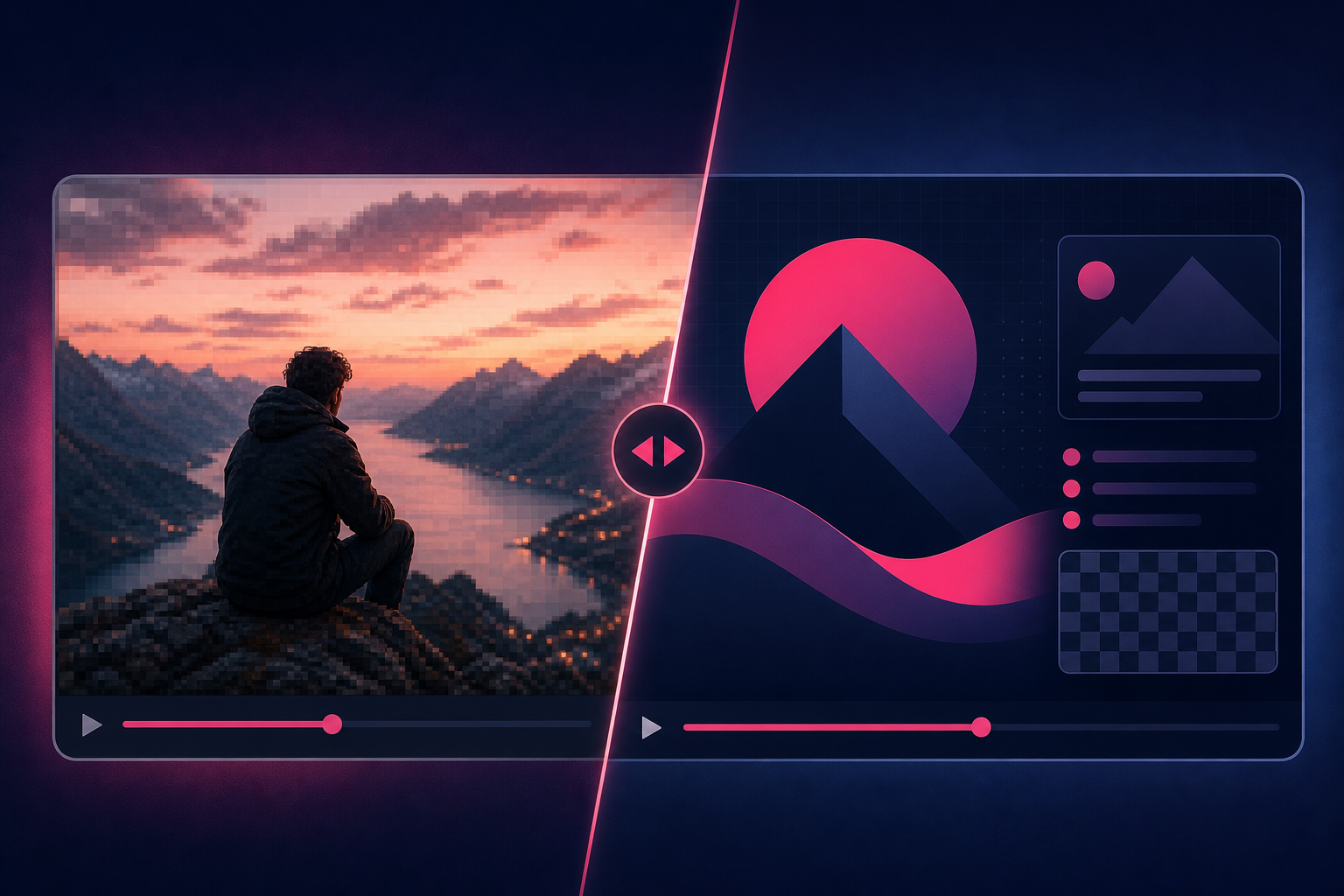
Side-by-side comparison of photographic JPG and lossless PNG stills from video
When you extract a still from video, the format choice is boring but it affects file size, sharpness of text, and how friendly the image is to share. Here is the practical JPG vs PNG call for video frames.
Quick answer: Choose JPG for photographic frames and most thumbnails. Choose PNG for lossless stills with text, UI or graphics. Neither format repairs a soft source frame — fix the timestamp first, then export with a video frame extractor.
When should you use JPG for video frames?
JPG wins when the frame looks like a photo: faces, products, landscapes, AI cinematic stills. File sizes stay smaller, and almost every app accepts .jpg. For thumbnails and email-friendly stills, start with JPG around 90% quality.
Open the Video Frame Extractor and pick JPG if you want that format from the start.
When should you use PNG?
PNG is the better default when edges must stay clean — on-screen text, interface captures, flat graphics, logos inside the frame. It is also the safer archival pick when you do not want another compression pass on top of the video’s own compression.
Use the Video Frame Extractor and select PNG. Remember: PNG from video is still opaque. It does not pull a transparent background out of a normal clip.
Where does WebP fit?
WebP sits between the two for many web uses: smaller than PNG, often cleaner than aggressive JPG. Compatibility is better than it used to be, but JPG remains the safest handoff when you do not control the next tool in the chain. TheFluxTrain’s extractor supports WebP alongside JPG and PNG.
How should you choose for common jobs?
| Job | Prefer | Why |
|---|---|---|
| YouTube / social thumbnail | JPG | Small, photographic, easy to upload |
| UI or text screenshot from a recording | PNG | Keeps edges sharp |
| ZIP sequence every second | JPG | Keeps the archive manageable |
| AI character or product reference | PNG or high-quality JPG | Less extra compression on faces/products |
| Contact sheet / storyboard export | JPG | Large composite; size matters |
For storyboard sheets, open storyboard mode. For candidate thumbnails, open thumbnail finder.
Does the format matter more than the frame?
Usually no. A sharp JPG beats a soft PNG every time. Scrub or step frames until eyes and edges look right, then pick the container. If you are unsure, export JPG for sharing and keep one PNG master for anything with text.
Full tool list: video tools hub.
That is the whole decision tree I use day to day. If you have a weird case (huge 4K sequence, print stills, or transparent overlays), ask and we can narrow it.
Cheers!