
Omini Kontext
Documentation & Installation Guide
ComfyUI Inference Workflows
Ready-to-use workflows and examples for running inference with Omini Kontext
Quick Start
Available Workflows
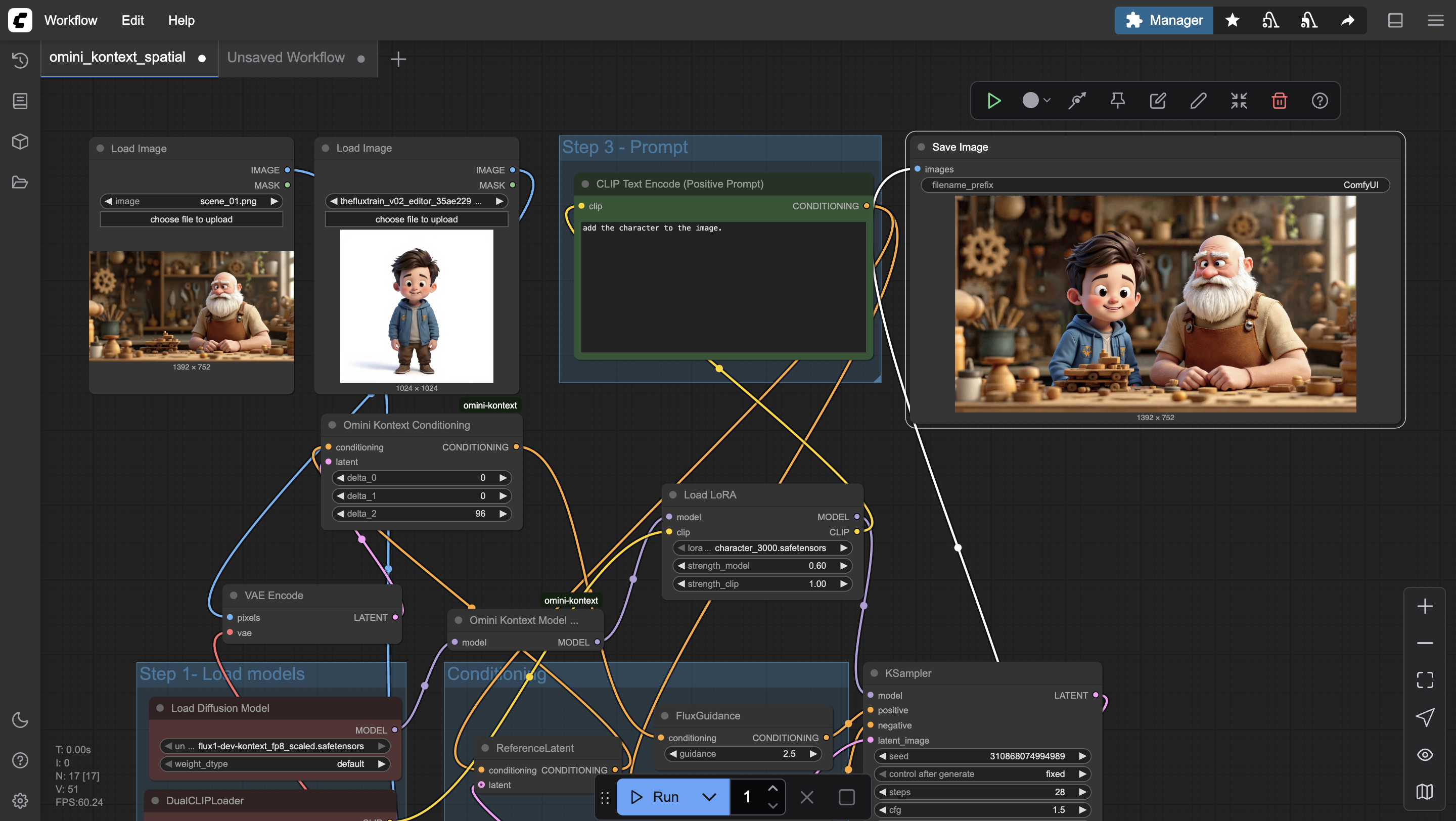
Cartoon
Simply insert a cartoon in any scene.
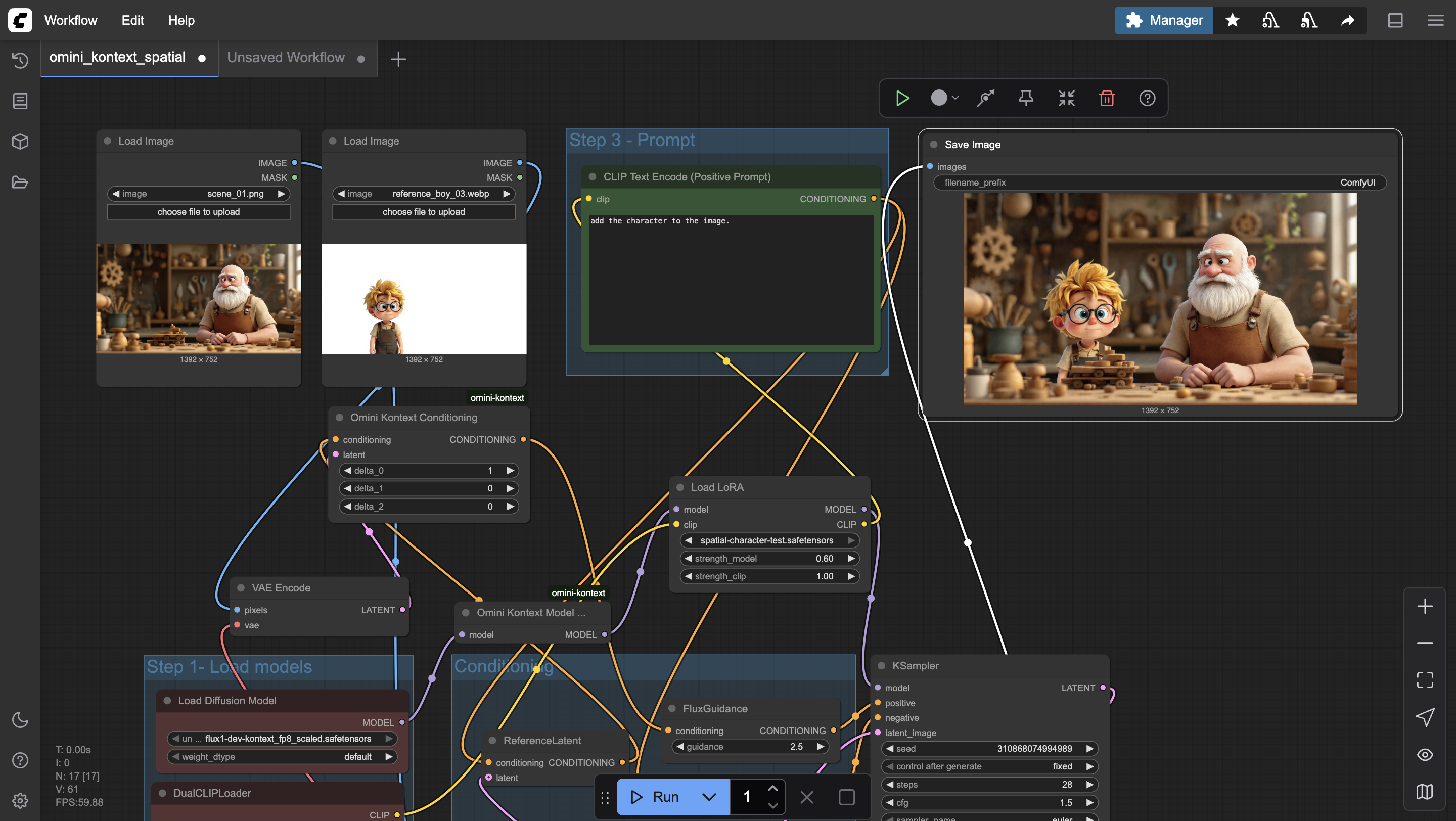
Cartoon Spatial
Control the position of the cartoon in the image.
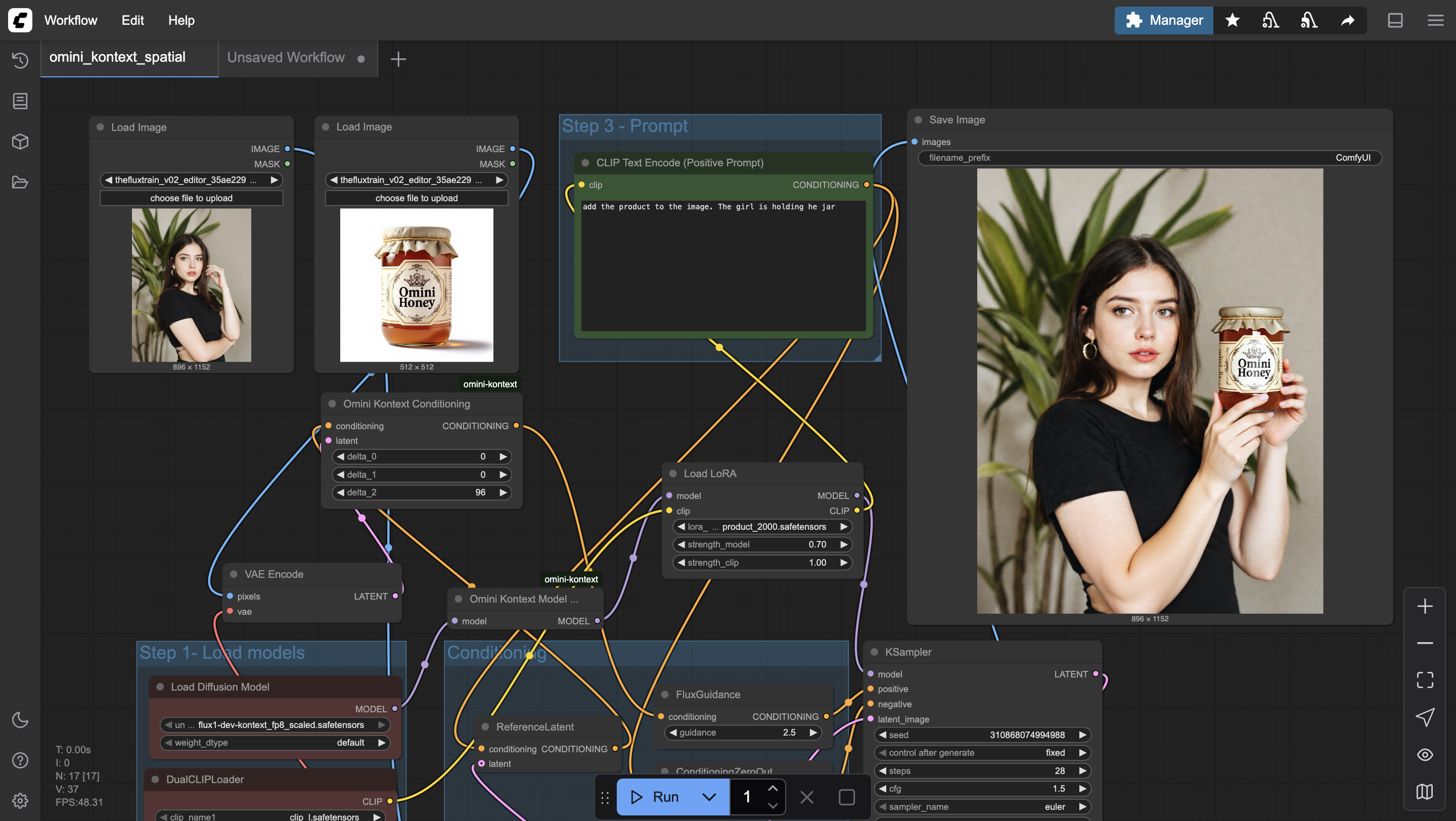
Product
Insert your product in any scene in one click.
How to Use Workflows
Download the Workflow
Click the download button for the workflow you want to use. This will download an image file containing the ComfyUI workflow.
Load in ComfyUI
Open ComfyUI in your browser and drag & drop the downloaded image file onto the canvas, or use the "Load" button to import the workflow.
Configure Parameters
Adjust the input parameters such as prompts, image paths, and generation settings according to your needs.
Run the Workflow
Click "Queue Prompt" to execute the workflow. Monitor progress in the ComfyUI interface and check the output folder for results.