
Workflow screenshot
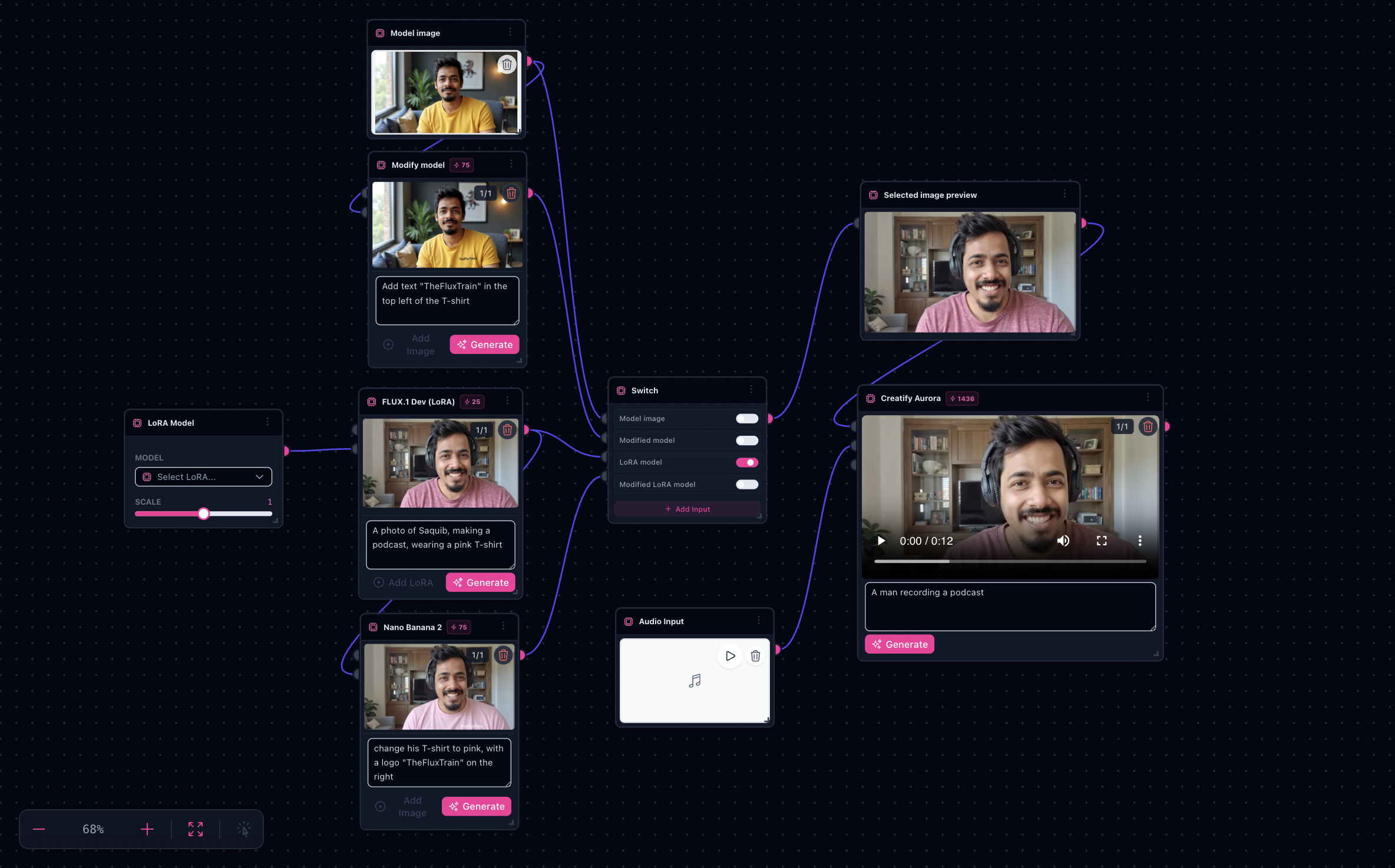
Workflow README
Chains image conditioning with an avatar video model so synced motion stays tied to your chosen frame and VO.
- Start from the populated template—swap portrait, script audio, and optional prompt tweaks only.
- Use sinks on the avatar node to audition takes before exporting.
- Duplicate branches for tonal or wardrobe variants while keeping VO hooks identical.
Proof in minutes
What goes in—and what ships out
The template matches a face plate plus VO to synced motion; plug your own assets without rewiring foundations.

3-step path
Value inside five minutes
1
Bring portrait + VO
Drop a clear face plate and narration audio into the labeled inputs wired to Creatify Aurora.
2
Tune the scene
Adjust optional prompt/context lines on the preset nodes—or lock them and iterate motion only.
3
Export clips
Pull the winning preview from sinks and fork the tab for the next lineup or VO pass.
Safe first edits
What you can change first
Portrait platesVoiceover audioScene promptsAspect ratios
Ship faster
Start from a workflow template
Customize nodes only when you need to. Duplicate this graph for the next campaign instead of staring at an empty canvas.