
How to Create Your First AI Short Film with Cursor and TheFluxTrain

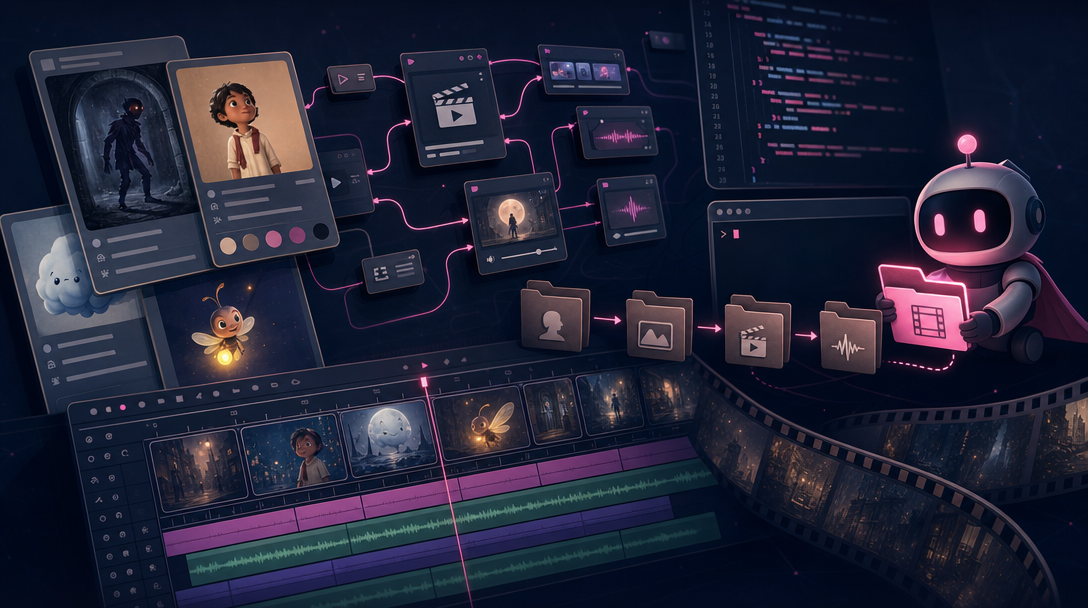
Stylized collage of character bibles, Flow Studio graph, video editor timeline, and code editor motif for a Cursor AI short film tutorial
This is the same first-film walkthrough as our Claude tutorial—idea to finished edit—but you work inside Cursor, a code editor with a built-in AI assistant. Cursor reads files in your project folder, runs TheFluxTrain commands for you, and keeps a notes file so nothing gets lost between sessions. You do not need to type commands yourself—you describe what you want in chat and Cursor handles the technical steps.
New to the big picture? Read What Is Vibe Video?. Prefer clicking in the browser with Claude? Use the Claude tutorial instead.
Quick answer: Tell Cursor your story in a project folder. It saves your script, makes characters and drawings, generates video clips, and assembles your edit—while keeping a notes file with links to everything. Expect credits and a few do-overs.
Note: Your first export is a draft to see if the story works. That is normal.
What will you build?
A 30–60 second story: one character, two or three locations, setup → complication → resolution.
idea → script → storyboard drawings → character profile → make each scene → edit → finished video
Keep it small. Finish something watchable on film one.
What do you need before you start?
ChatGPT (or similar) — Brainstorm story and mood first.
A one-sentence pitch — What is the film? How long? What should it look like?
Cursor — With agent mode on so it can read your folder, run commands, and remember context across messages.
TheFluxTrain set up — Install the command-line tool once (uv tool install thefluxtrain-cli or pip install thefluxtrain-cli), then run tft login. After that, Cursor runs the commands—you rarely type them yourself.
A project folder on your computer (e.g. my-short/) with three files Cursor will maintain:
production/screenplay.md— your approved script and timingproduction/shot-list.md— each shot and its drawing descriptionproduction/registry.md— your production notes: links to your character, drawings, clips, and edit project (think of it as a checklist Cursor updates after each step)
Credits and time — Same as the Claude tutorial: several tries worth of credits, about 60–90 minutes of your time, and one video shape—wide (16:9) for YouTube or tall (9:16) for TikTok/Reels.
How do Cursor and TheFluxTrain work together?
Cursor drafts your script files, runs TheFluxTrain commands, updates registry.md with links, and helps you review ("the jacket changed—update the wardrobe description and remake scene two only").
TheFluxTrain is where the actual media gets made:
- Characters — Cursor runs commands to create and save your character profile.
- Flow Studio — Repeatable workflows for each scene; save one that works and reuse it.
- Video editor — Assemble clips; finish trimming and music in the browser.
The advantage over browser-only: your script and links live in files on your computer. Close Cursor on Tuesday, reopen on Thursday—your work is still there.
Step 1: Start with a small, clear idea
Use ChatGPT for mood and style notes. Then in Cursor, ask it to set up your folder and draft the story:
Create
production/screenplay.mdandproduction/registry.mdif they do not exist yet. I want a 45-second AI short: one character, three scenes, gentle sci-fi, no dialogue. Here are my style notes from ChatGPT: paste. Write a one-sentence summary and three scene descriptions. Keep locations simple.
You want a logline (one-sentence summary) and three scenes. Ask Cursor to simplify if it suggests too many.
Example logline: A delivery robot in a flooded city finds a child's drawing on a package and goes out of its way to return it.
Step 2: Write a short script
Ask Cursor to expand into production/screenplay.md: scene titles, what we see on screen, about 12 seconds per scene. Name clothes and props once ("yellow rain jacket," "square delivery badge")—Cursor should copy those exact words into shot-list.md later.
When a clip looks wrong, open production/screenplay.md and compare—not last week's chat history.
Step 3: Create your character
Tell Cursor to create your character. It will run something like this behind the scenes—you do not need to memorize it:
tft characters create --name "Pip" --description "Small delivery robot, yellow rain jacket, square badge on chest"
Cursor also generates preview and reference pictures and writes the links into registry.md.
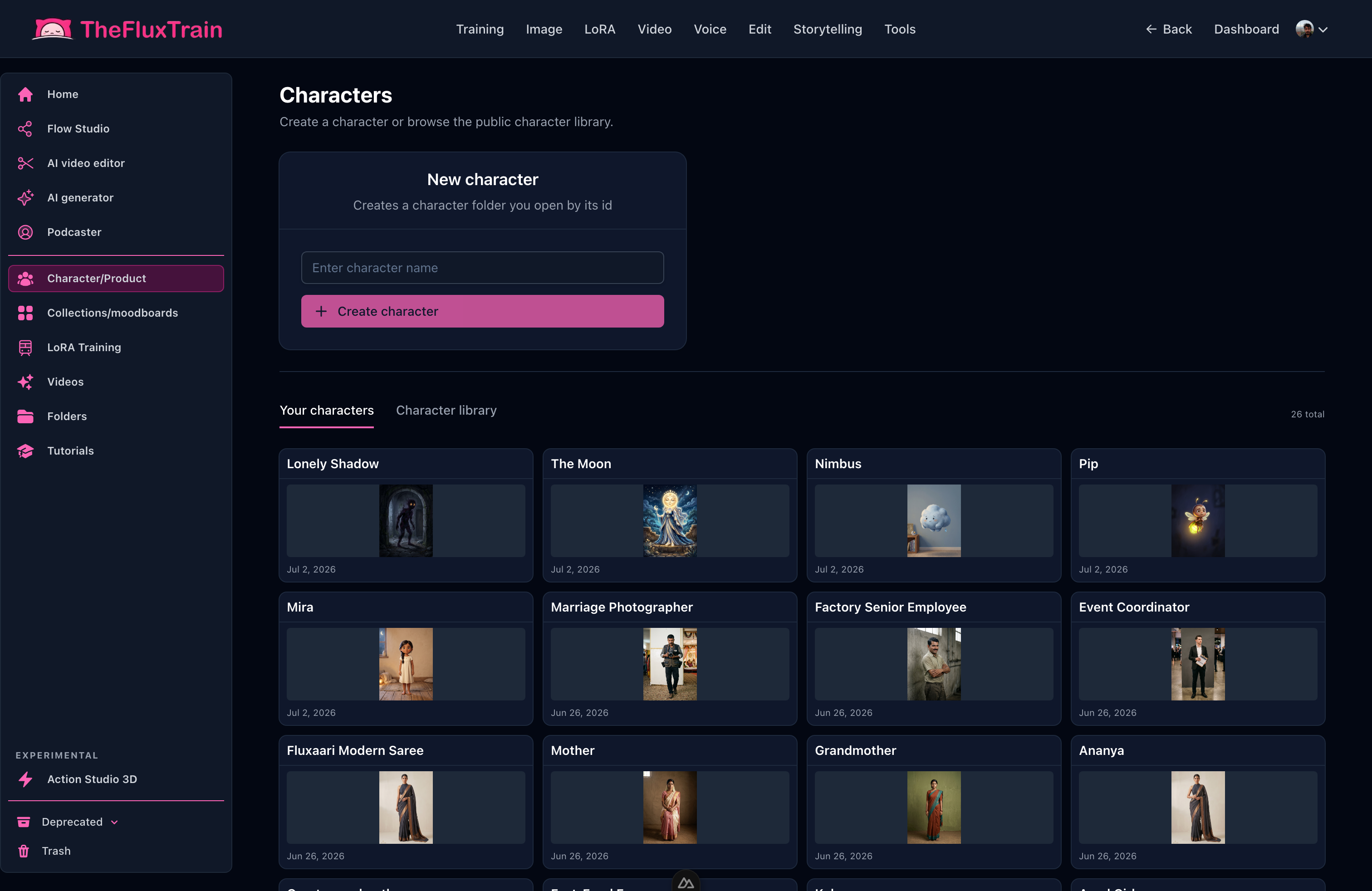
Lock your character before storyboard drawings. Cursor reads registry.md for every later step.
Copy clothing lines from your script into the character description word for word.
Step 4: Make storyboard drawings
Ask Cursor to write production/shot-list.md: 2–3 shots per scene with timing, wide or close-up, what happens, and a description for each drawing.
Cursor runs image generation and saves links in registry.md. You review the drawings in chat before any video gets made—say something like "boards approved, proceed to video."
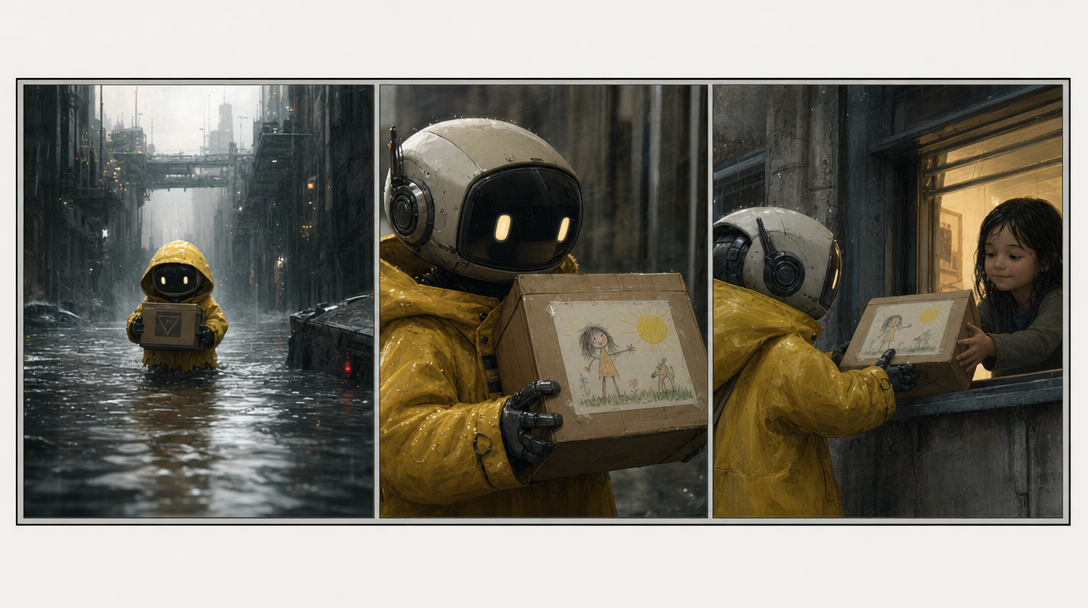
Approve the drawings as a sequence before Cursor generates moving video.
Step 5: Turn drawings into video clips
Cursor generates video one scene at a time, waiting for each clip to finish before starting the next. It saves each clip link in registry.md.
You can use a saved Flow Studio workflow or one-off generation—Cursor picks the right command. The important part for you: one scene at a time, in order.
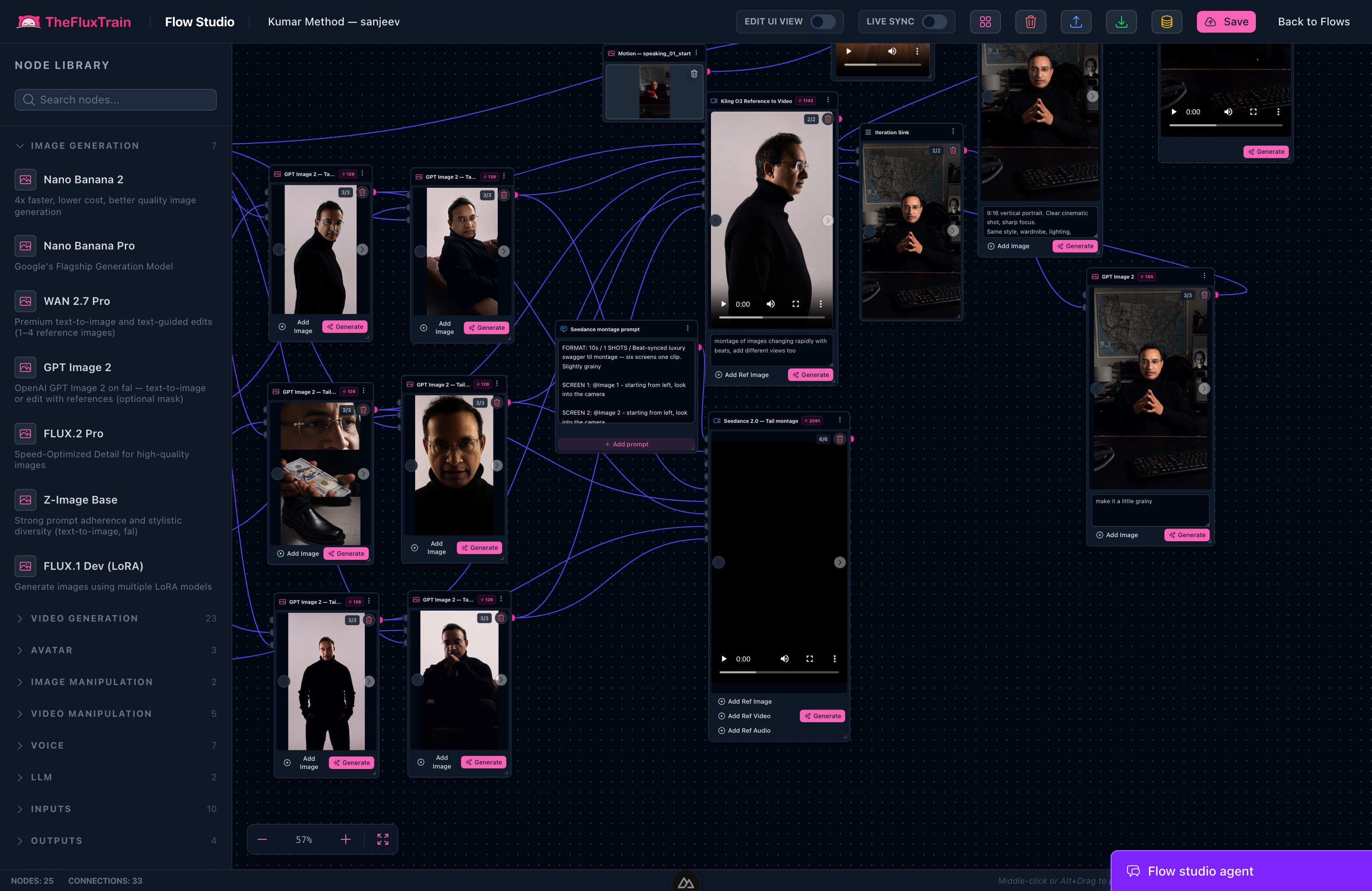
When a workflow works, save it and reuse it on your next film.
If something fails, tell Cursor in plain language:
Scene 2, shot 1: the chest logo changed. The links are in registry.md. Fix the shot description and remake only this clip.
Expect two to four tries per shot on a first film.
Step 6: Edit into a finished film
Ask Cursor to create a video editor project and place your clips in story order. You can finish trimming pauses and adding music in TheFluxTrain's browser editor.
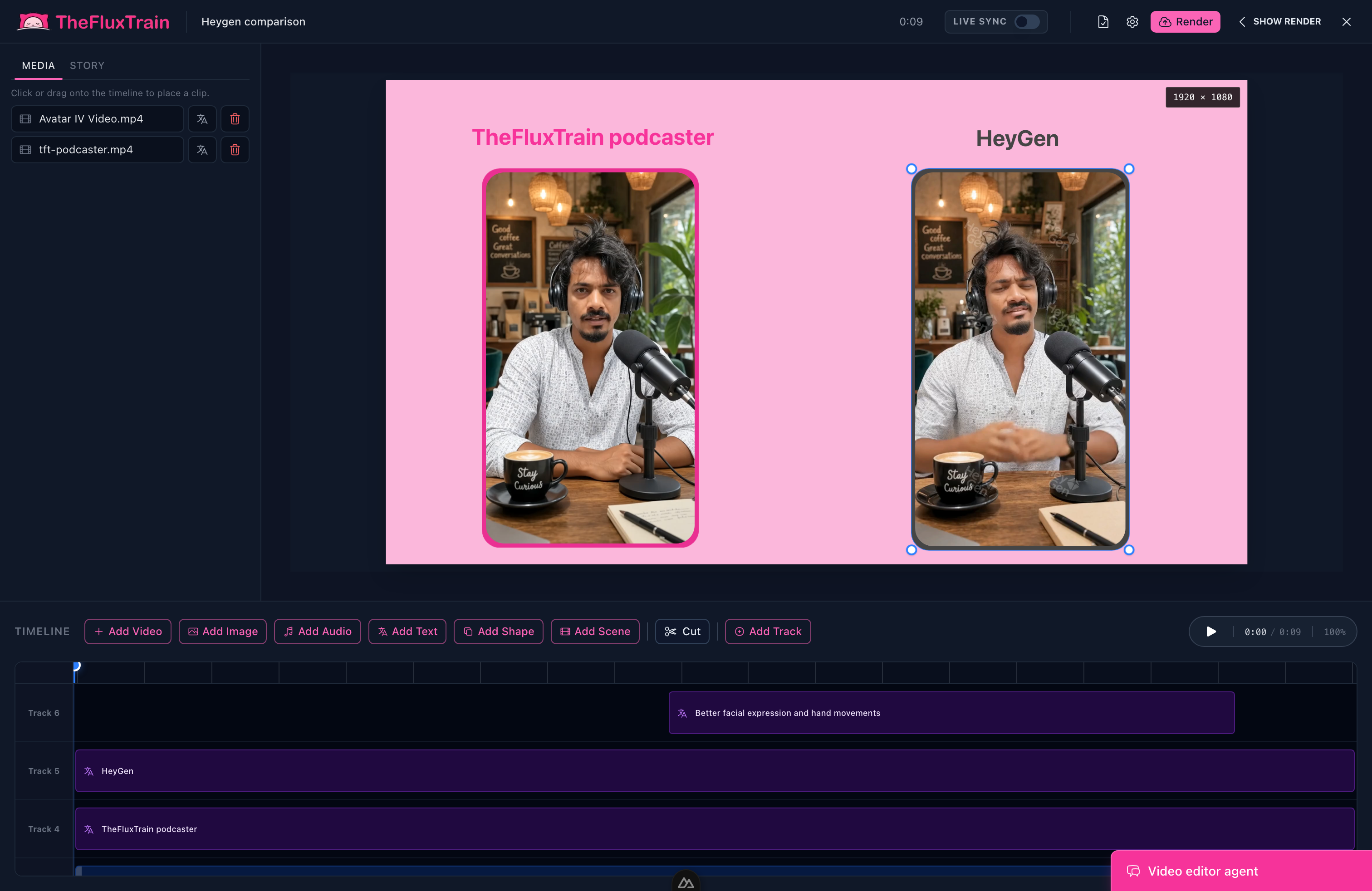
Watch the full video—without sound, then with—before you export.
What should you watch out for?
- Do not generate drawings until your script in
screenplay.mdis specific enough. - Approve storyboard drawings before video.
- If wardrobe changes, update the character and
registry.md. - Treat early script and shot-list drafts as proposals—push back before expensive steps.
- Watch the exported video like an audience member.
The process welcomes do-overs. It does not forgive skipping planning.
What does a good Cursor conversation look like?
You: Create the character Pip, then write the shot list and generate storyboard drawings for Scene 2.
Cursor: Created the character… saved links in registry.md… generated three drawings…
You: Scene 2, shot 2 has a red jacket instead of yellow. Fix the description in the shot list and remake only that clip.
Cursor: Updated shot 2B with "yellow rain jacket"… generated new clip… updated registry.md. Scenes 1 and 3 unchanged.
That is directed iteration—not one lucky button press.
Credits and do-overs
Spend credits on drawings first, lock your character once, redo video only where the story breaks. First export = does the story work? Second pass = better clips. Third = sound and pacing.
Save your Flow Studio workflow when one works.
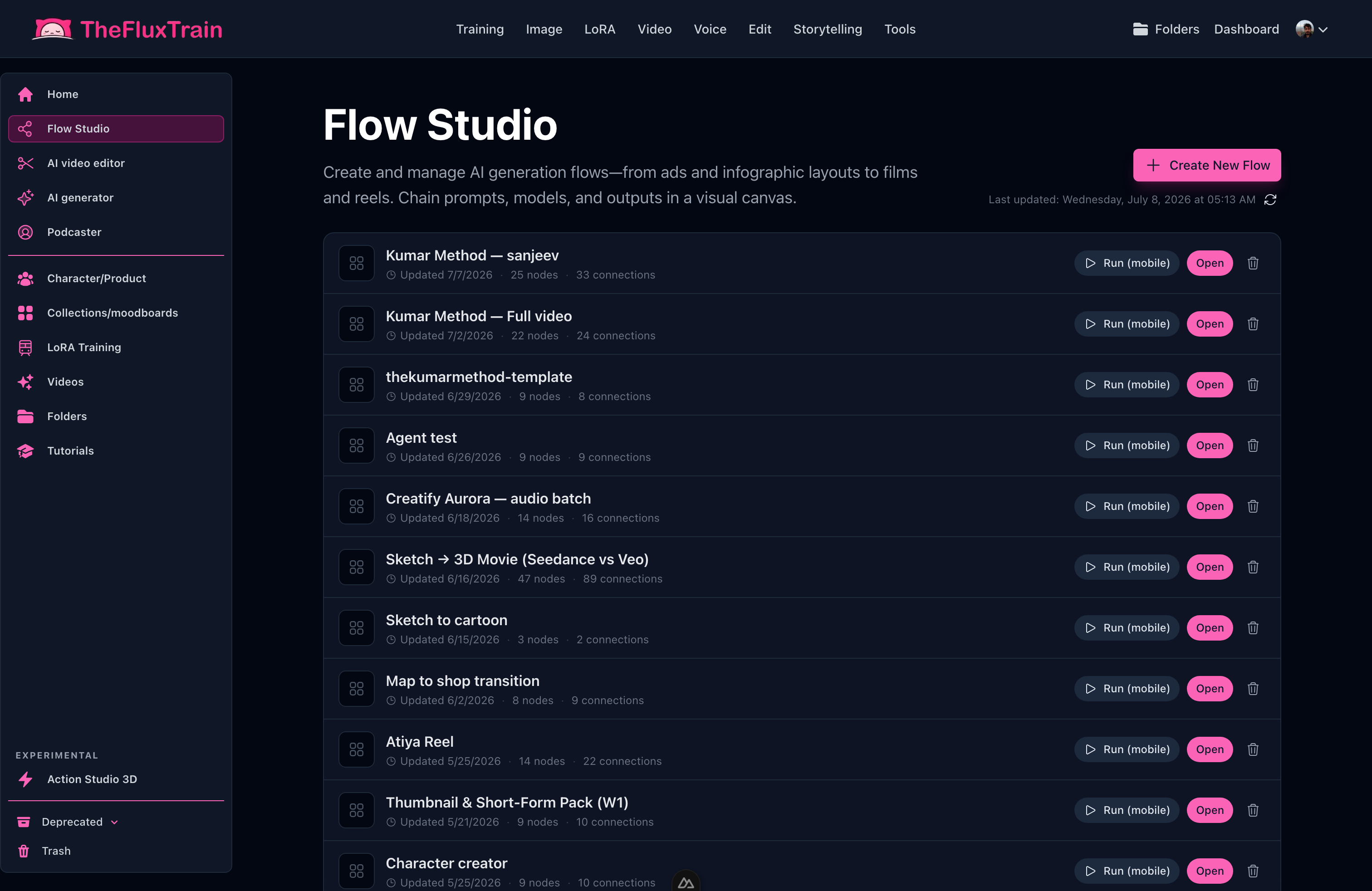
Reuse a workflow that worked on your next film.
What should you read next?
- How to Create Your First AI Short Film with Claude and TheFluxTrain — same steps, browser + Claude
- How to Maintain Character Consistency Across an AI Film
- What Is Vibe Video?
Try it today
Create a folder, run tft login once, and ask Cursor to set up production/ and one character. Make three storyboard drawings and one video clip.
Browse Explore for a film template to start from.
The conversation is the director's chair; Cursor and TheFluxTrain are the crew.

Open a template, swap in your story and character, and run it.
Frequently asked questions
How long does a first AI short film take with Cursor?
Plan 60–90 minutes of your time for a 30–60 second film, plus waiting while clips generate. Cursor updates files and runs TheFluxTrain commands for you—you still review drawings and the full video before export.
What do you need before you start with Cursor?
Cursor with agent mode turned on, TheFluxTrain set up and logged in, a project folder with a script file, shot list, and a notes file for links, plus ChatGPT for brainstorming and enough credits for several tries.
Which commands does Cursor run for you?
Cursor runs TheFluxTrain commands to create characters, generate drawings, make video clips, and build your edit. It writes links and IDs into a notes file so nothing gets lost between chat sessions.
Why keep a production notes file?
Links to your character, drawings, and clips must survive between conversations. If the notes file is out of date, the next step breaks—Cursor uses it as the shared memory for your film.
Why storyboard before making video?
Still drawings are cheap to redo. Fix composition in drawings first so you do not waste credits on video you have to throw away.
Can you use Claude instead of Cursor?
Yes. Same steps with Claude in browser chat—you click through TheFluxTrain yourself. See Claude tutorial.
What is the biggest first-film mistake with an agent?
Generating images before your script is specific, or letting the notes file fall out of date. One character, approve drawings explicitly, remake scenes one at a time.
How do you try it on TheFluxTrain?
Create a project folder, log in to TheFluxTrain, and ask Cursor to set up your files and one character. Browse Explore for a film template to start from.