
Tutorials
Cute clay and blind-box toy characters from your ideas | TheFluxTrain

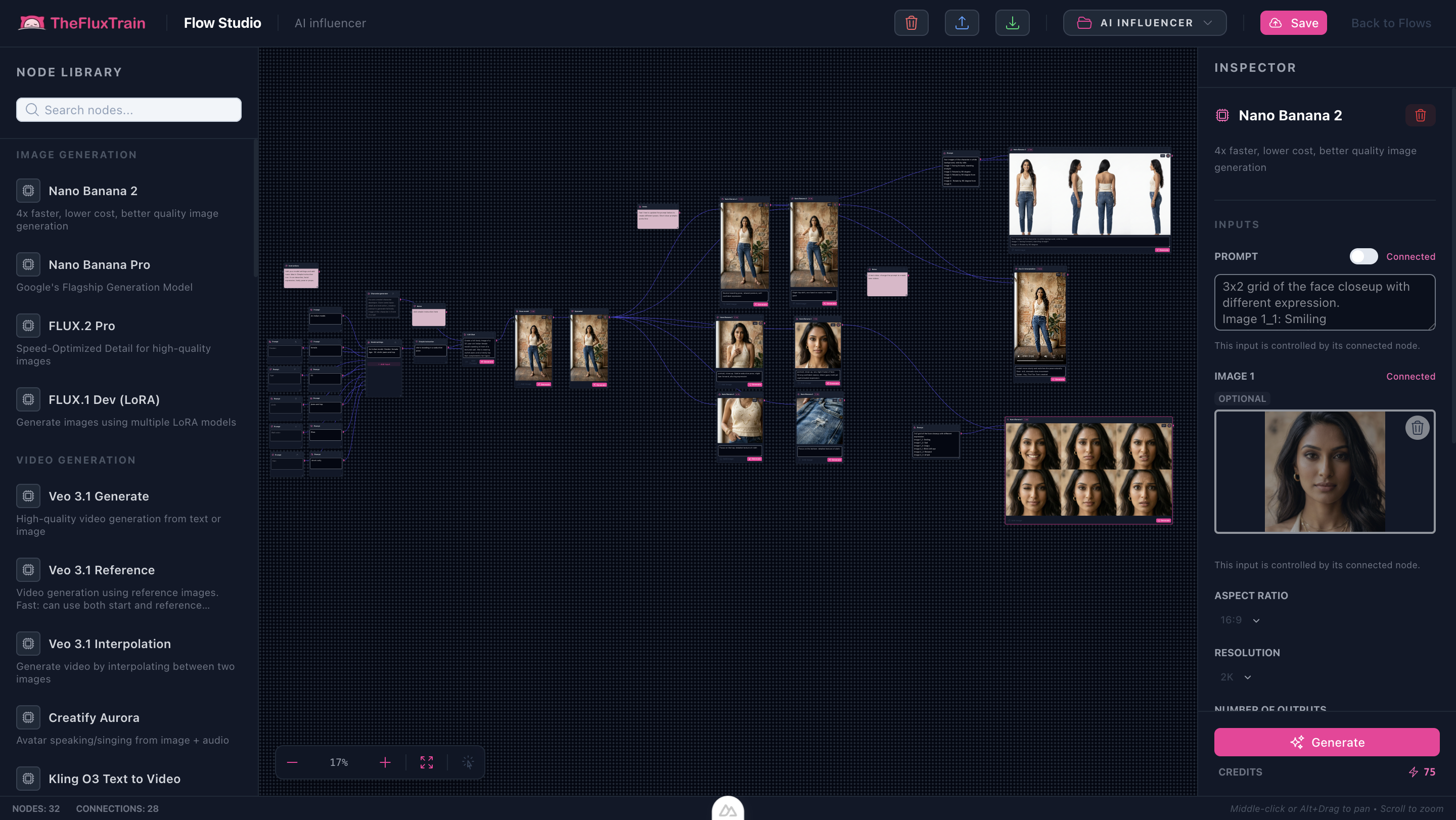
ClayCharm Character Render (DB flow_templates) swaps shader vocabulary while leaving graph plumbing identical—start with /tutorials/ai-influencer-creator-flow-workflow.
Note: Packaging / choking hazard compliance still belongs outside the model—you are generating concept art prompts, not SKU certifications.
Try it: AI Influencer Creator · ClayCharm Character Render in Explore
Clay tonal plates mined from bundled defaults


Use cbjoyiy.png and 0tetz3j.png from the bundled row when supplementary emotion boards exist in your inspector.
Clay prompt receipts
Example — silhouette grammar: Matte polymer clay figure, rounded belly volume, indented smile groove, finger seam softly blended, perched on pastel riser with paper-shadow wrap.
Example — blush system: Candy magenta cheek pads, custard yellow fasteners, varnish sheen limited to chin highlight only.
Step-by-step
- Run anchor + upscale from Influencer Creator tutorial unchanged.
- Replace pose-branch prompts emphasizing squish physics—“mid-spin with hoodie ears flopping”.
- When generating grids, constrain finger count audits clay models often hallucinate.
- Add packaging doodads only once silhouette locked—they steal attention early.
Limitations
- Clay seams hallucinate internally—prioritize sinks with clean cylindrical joins.
Next step
AI Influencer Creator · ClayCharm Character Render in Explore