
Tutorials
Bold anime streetwear art for streams, posts, and merch | TheFluxTrain

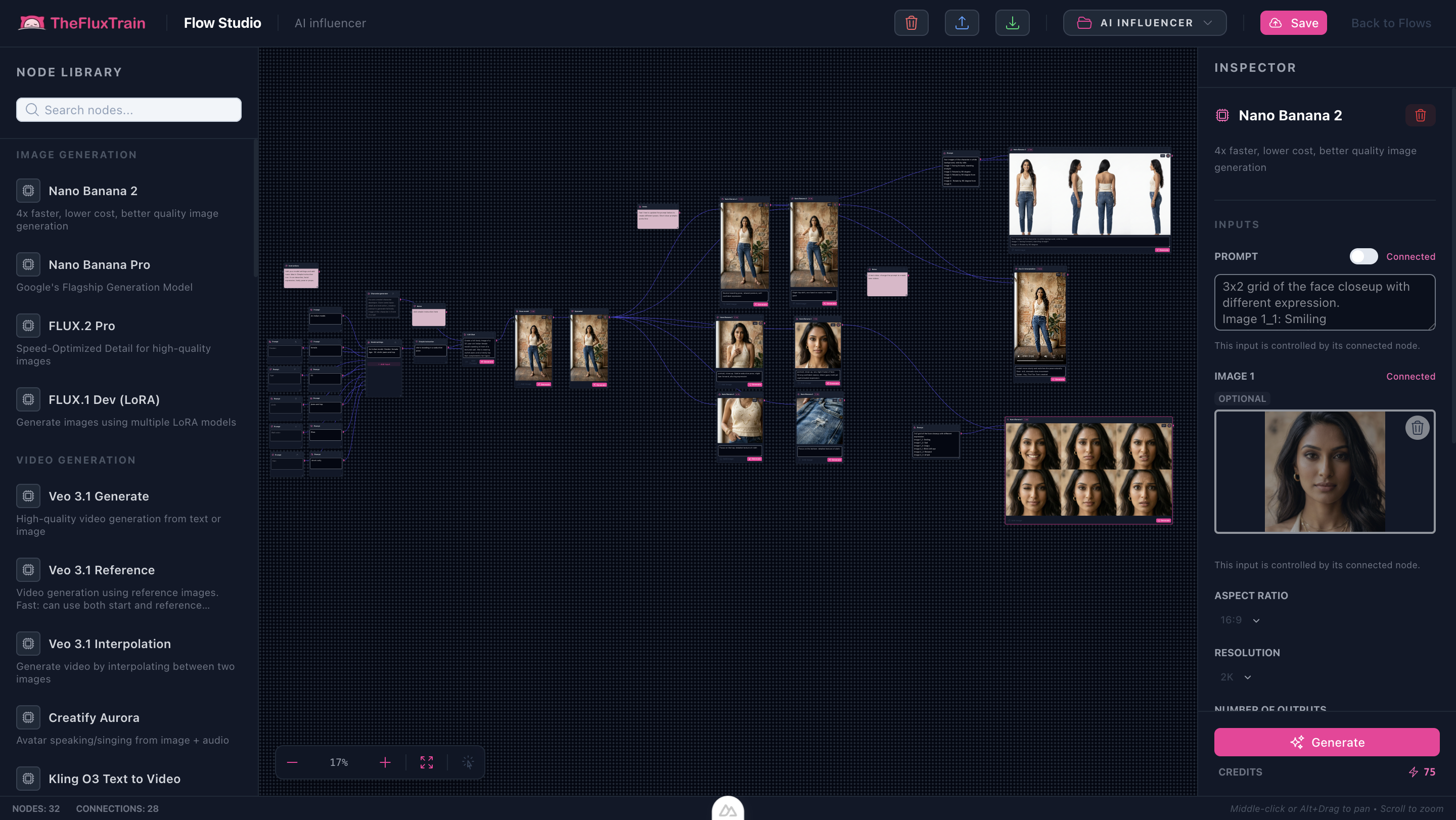
Anime Streetwear Character (DB flow_templates) runs on AI Influencer Creator machinery—borrow /tutorials/ai-influencer-creator-flow-workflow, then remix prompts toward anime-meets-streetwear billboards.
Ethics prerequisite: disclosures for synthetic likenesses mirror the Influencer Creator tutorial preamble—never impersonate real talent.
Try it: AI Influencer Creator · Anime Streetwear Character in Explore
Exported reference plates + landing excerpts


Landing gallery excerpts:


Prompt overlays tuned for anime billboard energy
Example — shading discipline: Cel shaded portrait with tapered rim strokes, crisp specular slashes on eyewear, high-contrast key light from camera-left billboard strip.
Example — garments: Layered asymmetric streetwear harness, sculpted windbreaker collar, metallic buckle highlights echoing magenta rim light palette.
Step-by-step (delta summary)
- Execute anchor → upscale scaffold from Influencer Creator tutorial verbatim.
- Append poster composition verbs downstream (“worm’s-eye billboard crop with 30% headline negative space”).
- Keep
9:16aspect when prepping motion-forward deliverables synced with TikTok-era crops.
Limitations
- Avoid copying trademarked costume silhouettes—even fantasy fits can echo licensed looks.
Next step
AI Influencer Creator · Anime Streetwear Character in Explore