
Tutorials
Tutorial·
Turn photos into printable coloring pages with Flow Studio
Describe the subject, expand into a coloring-page spec with LLM Chat, then generate bold line art into sinks—kid-friendly outlines without gray mush.

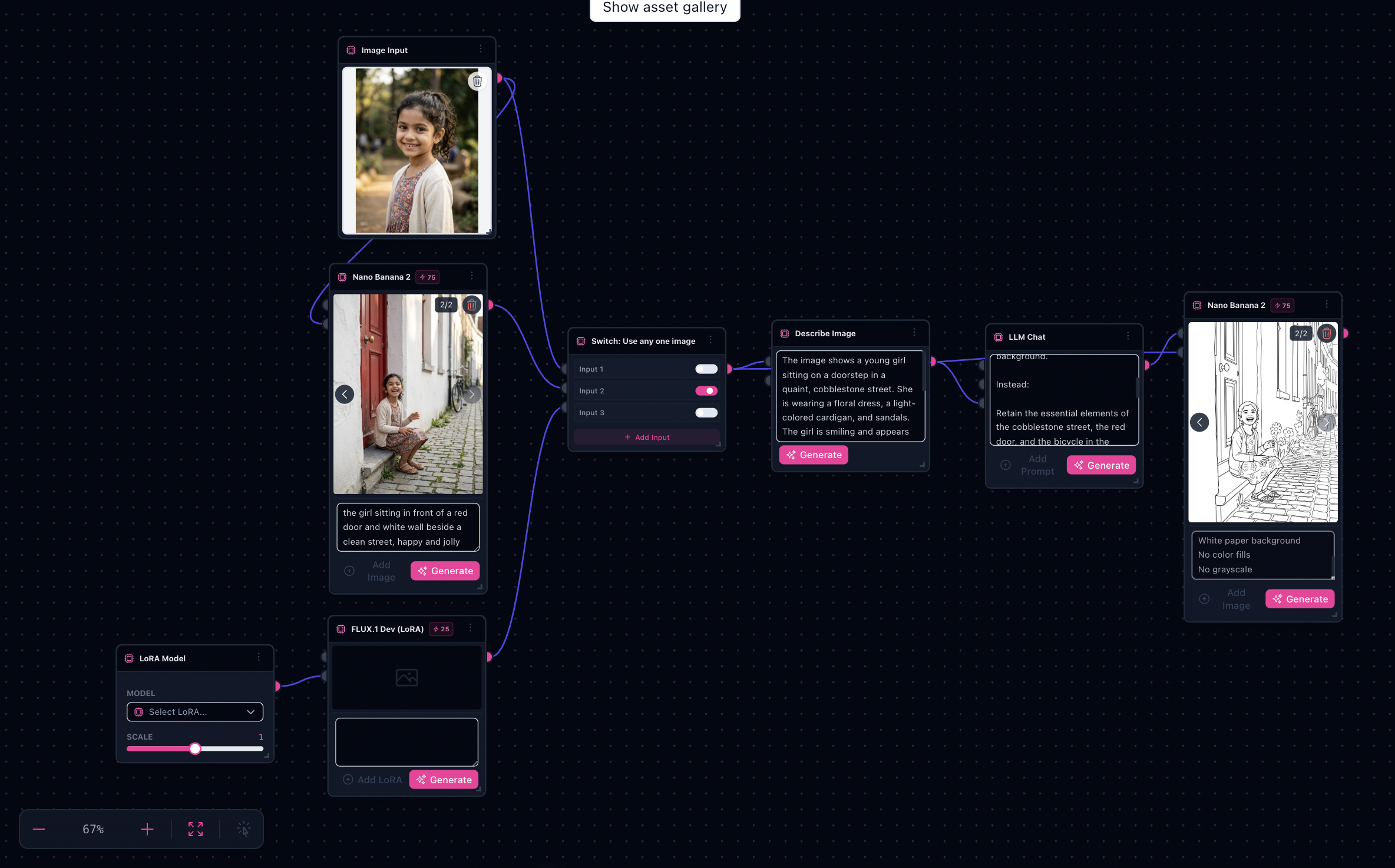
Same path as Children's Sketchbook generator: photo → describe → LLM coloring brief → Nano Banana sinks optimized for print-friendly outlines.
Note: Credits depend on how many intermediate passes you enable—expect a few tries to nail line weight for your age group.
Try it: Open the Children's Sketchbook workflow
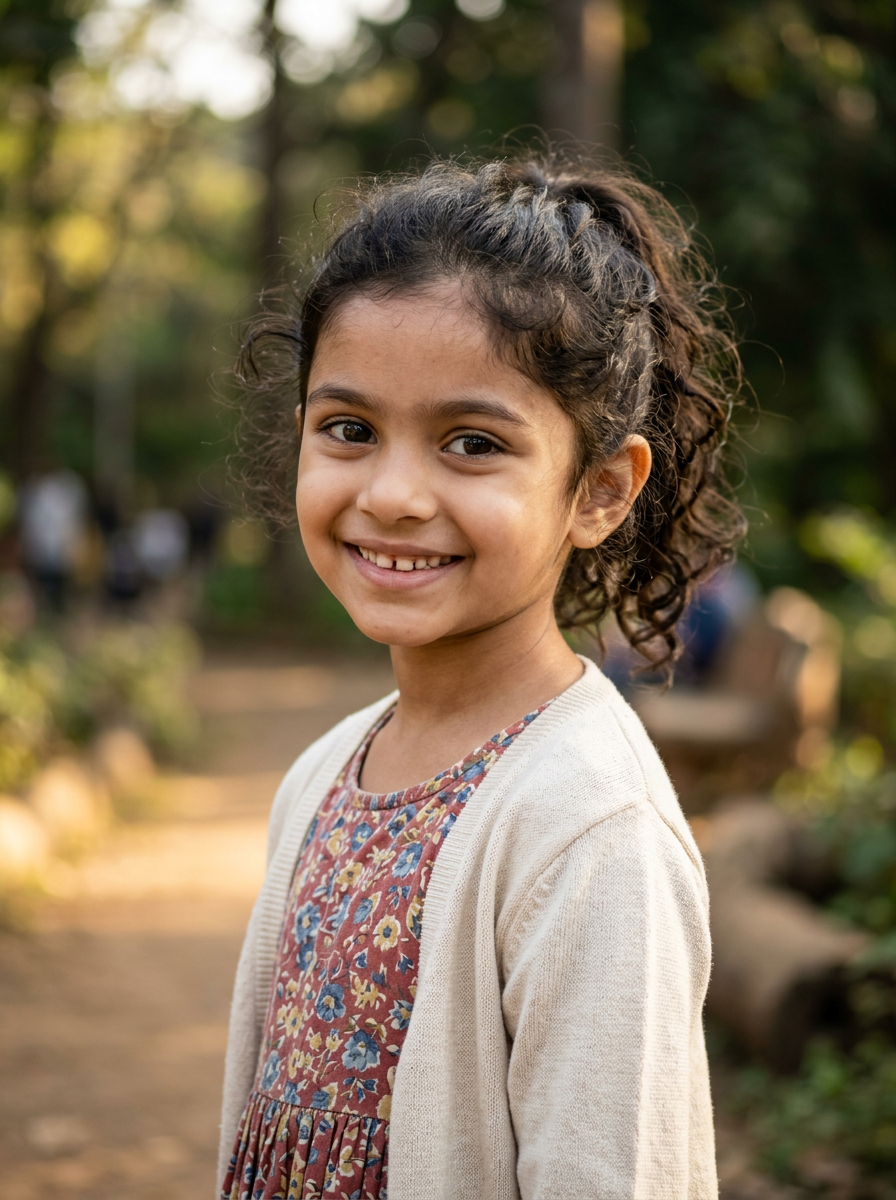
Gallery progression (landing proof)
Original → reference → line art


What you’ll need
- One clear photo with a readable hero subject.
- Printer or PDF workflow if you are shipping physical pages.
- Patience for first-pass tuning — toddlers need bolder regions than older kids.
The workflow in one sentence
Describe the photo → LLM Chat expands a coloring-page brief → terminal image step renders black-and-white line art into sinks.
Inside Flow Studio
The template mirrors the Product Ad style spine—input image, describe subject, LLM Chat with a coloring spec system prompt, then image-to-image with references—tuned for thick outlines and simplified backgrounds.
All landing gallery frames

Original, color reference, and two sink variants from the bundled graph.
Step-by-step
- Open the workflow — Children's Sketchbook generator.
- Drop your photo — Replace the demo on Source photo.
- Tune the spec — Run Describe subject; merge or edit Analysis & style notes / coloring blocks when you want manual control.
- Generate outlines — Run LLM Chat when the description changes materially, then run the terminal image node and inspect sinks.
- Iterate — If outlines are too busy, tighten the analysis toward large enclosed shapes before rerunning chat.
Why this beats generic sketch filters
- Bold printable regions — the brief discourages muddy grayscale shading.
- Backgrounds simplified, not erased — keeps story context when you want it.
- Repeatable house style — keep the spec block you like and duplicate tabs for new shoots.
Printing tips
- Set aspect ratio to match paper before locking a composition.
- Ask for margins in the brief if you will bind pages.
Limitations
- Likeness vs simplicity tradeoffs need tuning on difficult photos.
- Busy backgrounds can still overwhelm outlines—cleaner sources help.
- Consent — only use photos you have rights to turn into published coloring pages.