
Tutorials
Tutorial·
Neon cyberpunk posters without hand-drawing | TheFluxTrain
Wet streets, bright signs, and futuristic type in a guided Flow Studio flow. Bands, gamers, and streamers can land a midnight-city vibe fast.

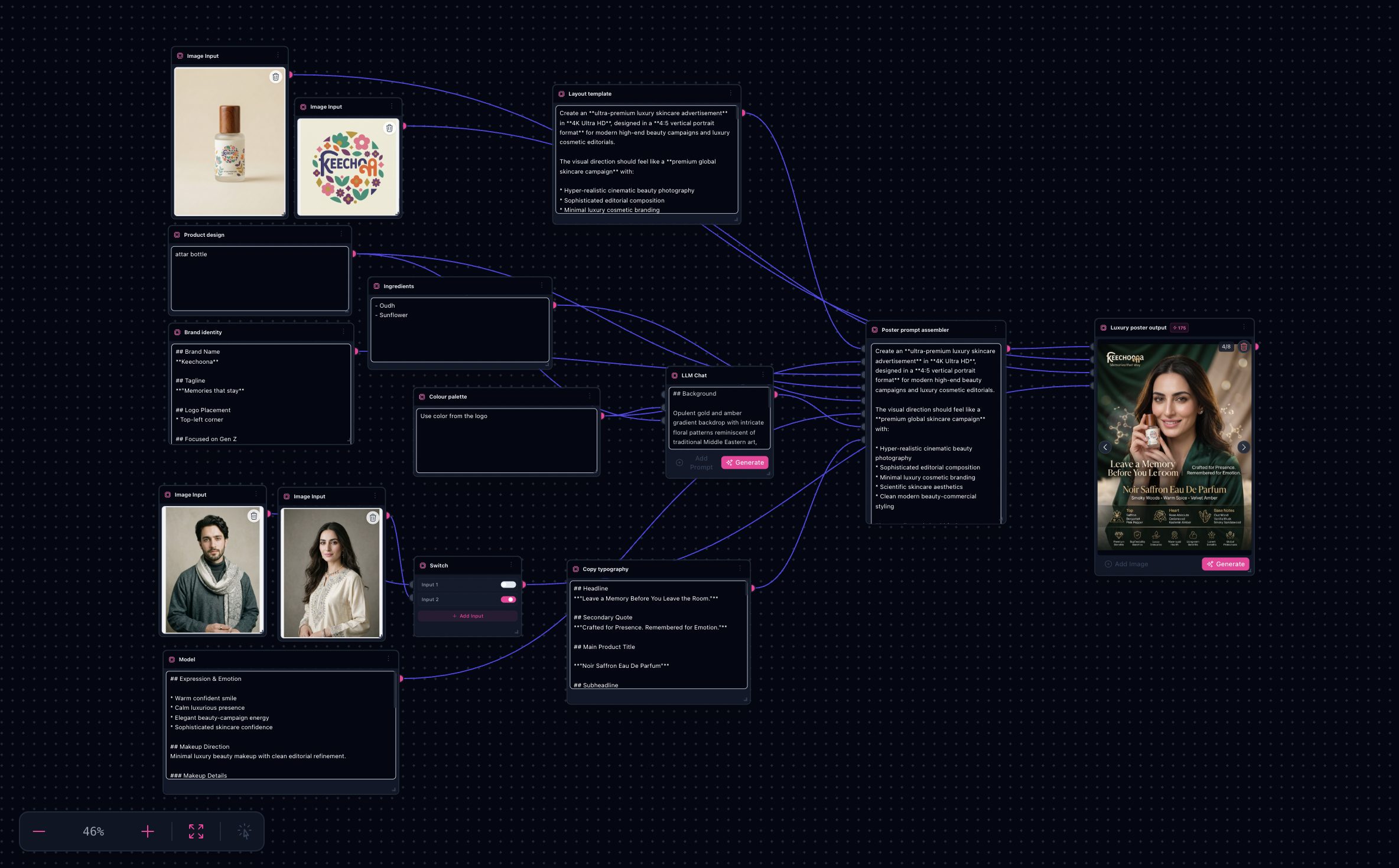
Neon Vice Poster mirrors ai-product-poster-generation. Lean on /tutorials/ai-product-poster-generation-workflow for mechanical steps; this companion covers neon color science + typographic melodrama presets.
Note: Compressed social codecs hate stacked neon glare—budget one gentle highlight rolloff externally when artifacts appear.
Try it: Open Product Poster workflow · Neon Vice Poster in Explore
Neon tonal plates mined from bundled defaults


Reuse the richer landing gallery showcased in /tutorials/ai-product-poster-generation-workflow when showcasing final sinks.
What you’ll need
- Title language even if placeholders (“URBAN HEX”, “MIDNIGHT OPS”) to reserve negative space.
- Color strategy—pair one magenta family + one teal family, not infinite hues.
Step-by-step (delta)
- Follow master poster workflow through assembler population.
- Push environment slot language toward soaked asphalt, holographic signage, drifting steam.
- Keep SKU truth intact if showcasing physical products—even fantasy sets need plausible packaging cues.
- Compare four sink grabs emphasizing vertical billboard crops whenever campaign needs story-first thumbnails.
Limitations
- Graph JSON truncation in marketing exports requires on-tool verification after DB refresh cycles.